The draggable Method
- The
draggablemethod converts a view or an array of views into draggable elements. - Use
drag:anddrop:modifiers for basic drag/drop animations. - Use
drag-applyordrag-animateto apply properties instantly or animate them while dragging. - Use
horizontal-constraintorvertical-constraintto constrain movement.
// Calling a draggable method
$.draggableAnimation.draggable('A View or an array of Views')
You can create a blank Animation object or reuse an existing one to call draggable on a view or array of views.
When you use an Animation object with an array of views, it manages zIndex for each draggable element.
Draggable example
<Alloy>
  <Window class="keep-screen-on exit-on-close-false">
    <Animation module="purgetss.ui" id="draggableAnimation" />

    <Label text="Draggable Example" class="mt-16 text-center" />

    <View id="red" class="ml-4 h-32 w-32 rounded-lg bg-red-500" />

    <View id="green" class="ml-10 h-32 w-32 rounded-lg bg-green-500" />

    <View id="blue" class="ml-16 h-32 w-32 rounded-lg bg-blue-500" />
  </Window>
</Alloy>
$.index.open()

$.draggableAnimation.draggable([$.red, $.green, $.blue])

Low framerate gif.
drag and drop modifiers
- The
drag:anddrop:modifiers set basic animations while dragging and dropping. - You can set global modifiers in the Animation object or set modifiers per view.
- Local modifiers override global modifiers.
To keep behavior predictable while dragging, we restrict the types of animations you can apply.
In particular, we do not apply size, scale, or anchorPoint transformations.
Drag and Drop example
<Alloy>
  <Window class="keep-screen-on exit-on-close-false">
    <!-- Global set of modifiers -->
    <Animation id="draggableAnimation" module="purgetss.ui" class="drag:duration-100 drag:opacity-50 drop:opacity-100" />

    <Label text="Global Modifiers:\ndrag:duration-100 drag:opacity-50 drop:opacity-100" class="mt-16 text-center" />

    <!-- No local modifiers -->
    <Label id="red" class="mx-2 ml-4 h-32 w-32 rounded-lg bg-red-500 text-center text-xs text-white" text="No local modifiers" />

    <!-- drag:bg-green-800 drop:bg-green-500 -->
    <Label id="green" class="drag:bg-green-800 drop:bg-green-500 ml-10 h-32 w-32 rounded-lg bg-green-500 text-center text-xs text-white" text="drag:bg-green-800 drop:bg-green-500" />

    <!-- drag:opacity-25 -->
    <Label id="blue" class="drag:opacity-25 ml-16 h-32 w-32 rounded-lg bg-blue-500 text-center text-xs text-white" text="drag:opacity-25" />
  </Window>
</Alloy>
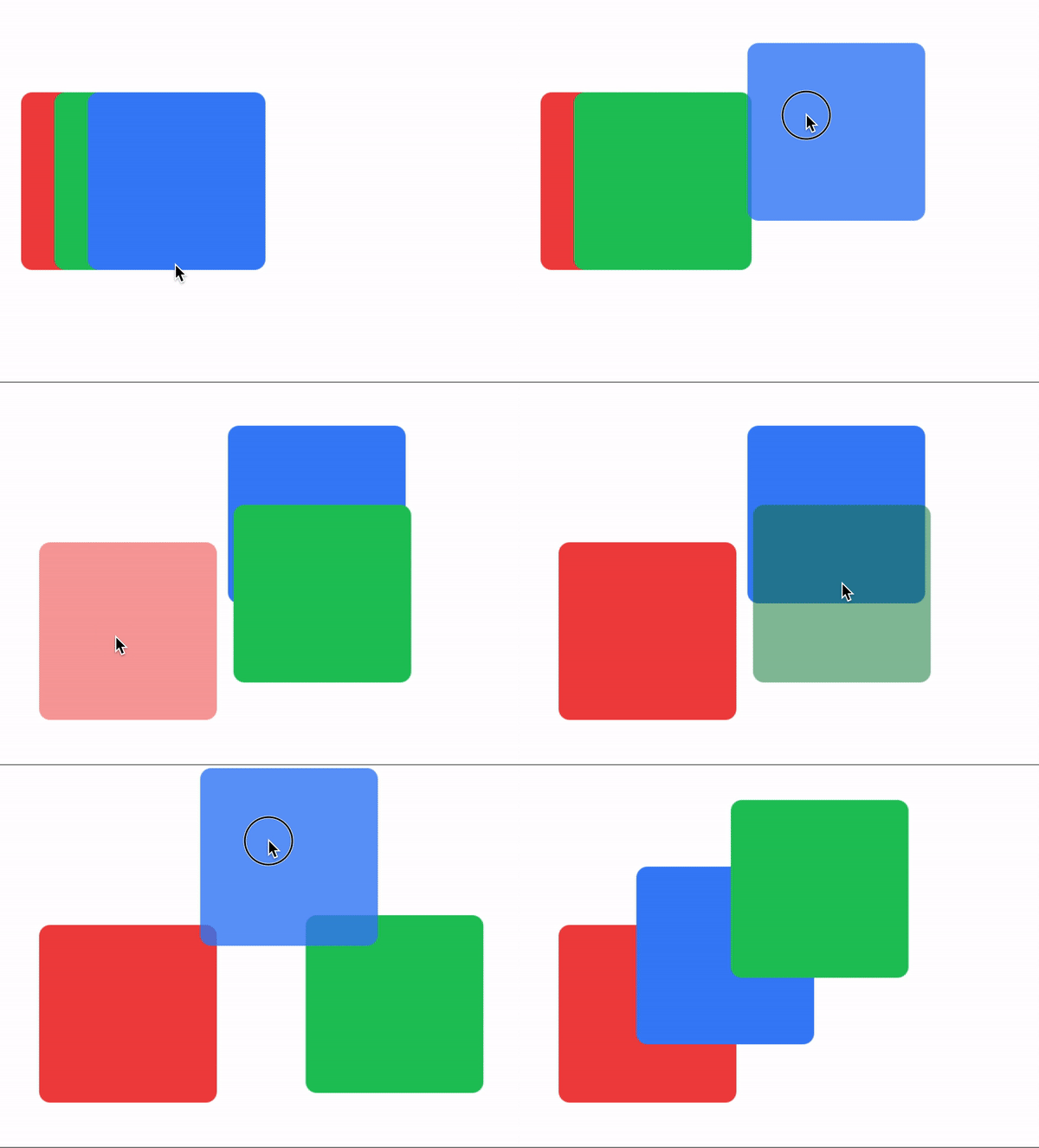
Low framerate gif.
draggingType Property
Use drag-animate (default) or drag-apply to control how drag: and drop: modifiers are applied. drag-animate animates the properties, drag-apply applies them immediately.
/* Component(s): For the Animation Component */
/* Property(ies): draggingType */
.drag-apply { draggingType: 'apply' }
.drag-animate { draggingType: 'animate' }
Dragging Type example
In this example, the Animation object sets the global dragging type to drag-apply, but the green square overrides it to drag-animate.
<Alloy>
  <Window class="keep-screen-on exit-on-close-false">
    <!-- Global set of modifiers -->
    <Animation id="draggableAnimation" module="purgetss.ui" class="drag-apply drag:duration-500 drag:opacity-50 drop:opacity-100" />

    <Label text="draggingType Example:\ndrag-apply drag:duration-500 drag:opacity-50 drop:opacity-100" class="mt-16 text-center" />

    <!-- No local modifiers, will be using the global modifiers -->
    <Label id="red" class="ml-4 h-32 w-32 rounded-lg bg-red-500 text-center text-xs text-white" text="No local modifiers" />

    <!-- drag-animate drag:bg-green-800 drop:bg-green-500 -->
    <Label id="green" class="drag-animate drag:bg-green-800 drop:bg-green-500 ml-10 h-32 w-32 rounded-lg bg-green-500 text-center text-xs text-white" text="drag-animate drag:bg-green-800 drop:bg-green-500" />

    <!-- drag:opacity-25 -->
    <Label id="blue" class="drag:opacity-25 ml-16 h-32 w-32 rounded-lg bg-blue-500 text-center text-xs text-white" text="drag:opacity-25" />
  </Window>
</Alloy>
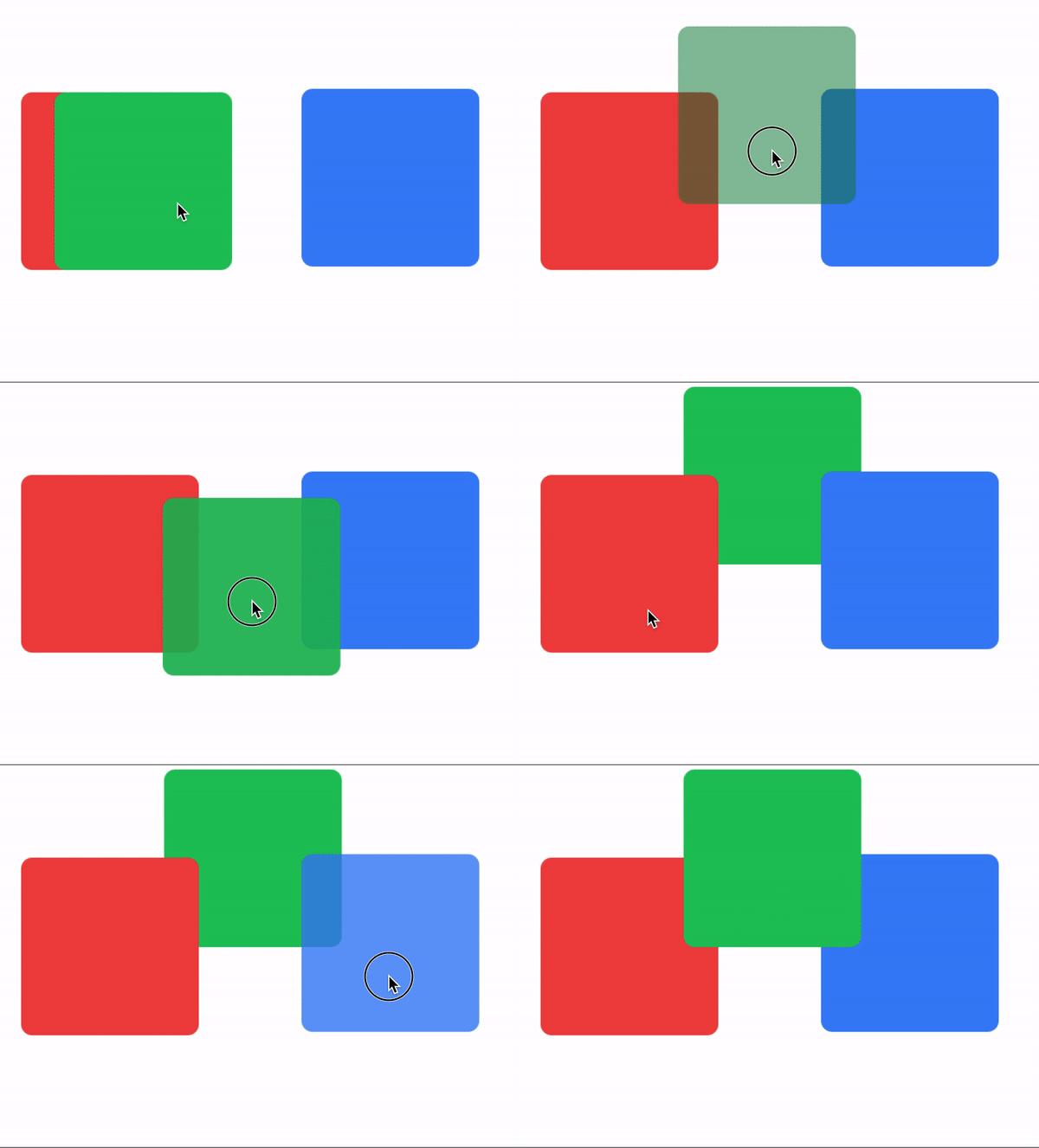
Low framerate gif.
bounds modifier
- Use
boundswithhorizontal-constraintorvertical-constraintto limit movement within a parent view. - You can set global boundaries in the
Animationobject or local boundaries per view. - Local values override global values.
Bounds example 1
The card view has a boundary of m-4 and a bottom boundary of mb-16.
<Alloy>
  <Window class="keep-screen-on exit-on-close-false bg-green-50">
    <Animation id="draggableAnimation" module="purgetss.ui" />

    <View class="mx-6 mb-6 mt-10 h-screen w-screen rounded-lg bg-green-200">
      <View id="card" class="bounds:m-2 bounds:mb-16 mt-8 h-24 w-64 shadow-lg">
        <View id="cardInside" class="w-screen rounded-lg border-2 border-purple-700 bg-white">
          <ImageView id="theImage" class="rounded-16 prevent-default-image m-4 ml-4 h-16 w-16 bg-gray-50" image="https://randomuser.me/api/portraits/women/17.jpg" />

          <View class="vertical ml-24 w-screen">
            <Label class="ml-0 text-sm font-bold text-gray-800" text="Ms. Jane Doe" />
            <Label class="ml-0 text-xs font-bold text-gray-400" text="Website Designer" />
          </View>
        </View>
      </View>

      <Label class="bg-(#80000000) mx-2 mb-2 h-12 w-screen rounded-lg text-center text-white" text="Some Element..." />
    </View>
  </Window>
</Alloy>
$.index.open()

$.draggableAnimation.draggable($.card)
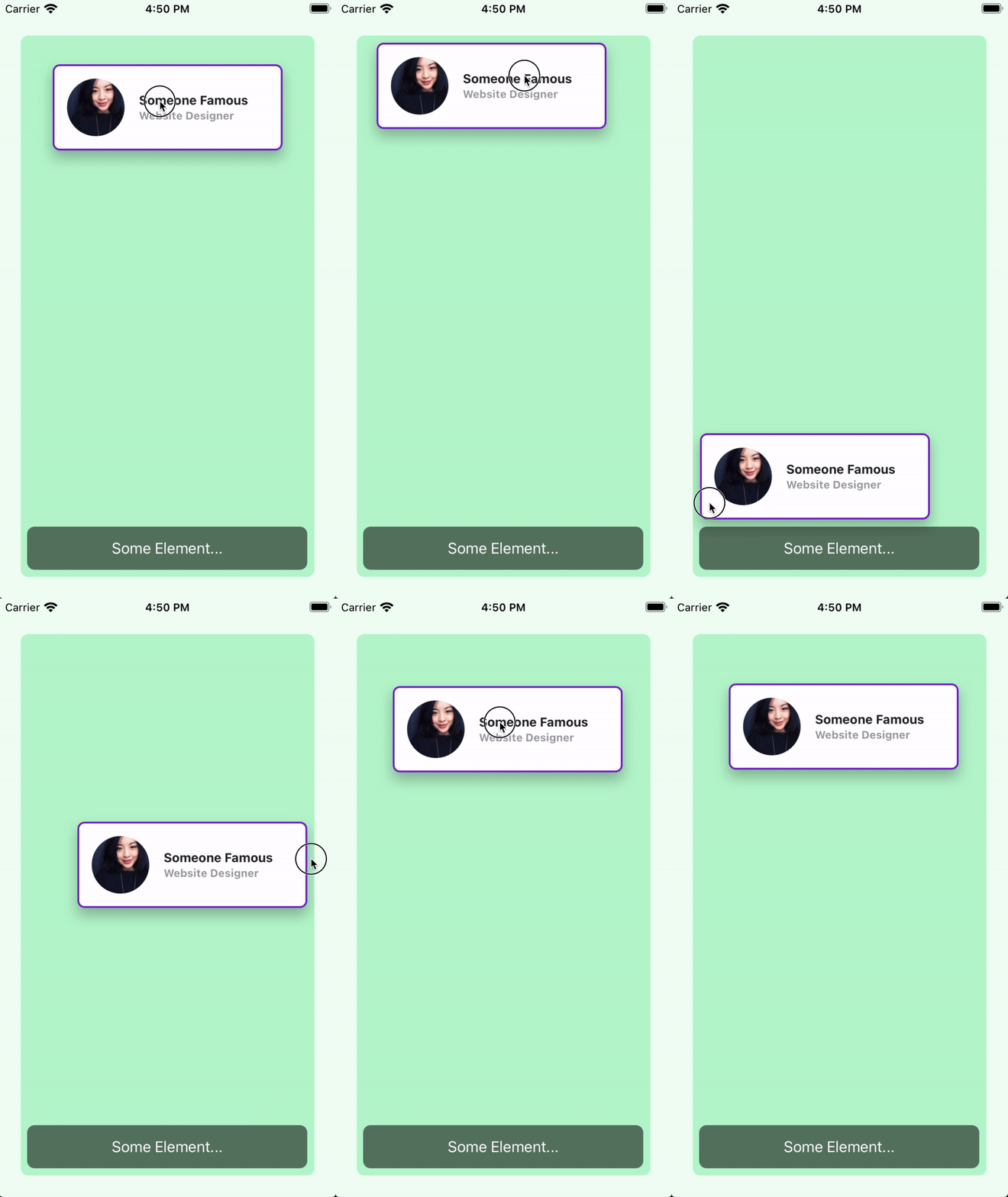
Low framerate gif.
Bounds example 2
Here the boundaries are set globally in draggableAnimation, so every card uses the same values.
<Alloy>
  <Window class="keep-screen-on exit-on-close-false bg-green-50">
    <Animation id="draggableAnimation" module="purgetss.ui" class="bounds:m-2 bounds:mb-16" />

    <View class="wh-screen mx-6 mb-6 mt-10 rounded-lg bg-green-200">
      <View id="card" class="mt-8 h-24 w-64 shadow-lg">
        <View id="cardInside" class="w-screen rounded-lg border-2 border-purple-700 bg-white">
          <ImageView id="theImage" class="rounded-16 prevent-default-image wh-16 m-4 bg-gray-50" image="https://randomuser.me/api/portraits/women/17.jpg" />

          <View class="vertical ml-24 w-screen">
            <Label class="ml-0 text-sm font-bold text-gray-800" text="Ms. Jane Doe" />
            <Label class="ml-0 text-xs font-bold text-gray-400" text="Website Designer" />
          </View>
        </View>
      </View>

      <View id="card2" class="mt-40 h-24 w-64 shadow-lg">
        <View id="cardInside" class="w-screen rounded-lg border-2 border-purple-700 bg-white">
          <ImageView id="theImage" class="rounded-16 prevent-default-image wh-16 m-4 bg-gray-50" image="https://randomuser.me/api/portraits/women/21.jpg" />

          <View class="vertical ml-24 w-screen">
            <Label class="ml-0 text-sm font-bold text-gray-800" text="Ms. Jane Doe" />
            <Label class="ml-0 text-xs font-bold text-gray-400" text="Website Designer" />
          </View>
        </View>
      </View>

      <View id="card3" class="mt-72 h-24 w-64 shadow-lg">
        <View id="cardInside" class="w-screen rounded-lg border-2 border-purple-700 bg-white">
          <ImageView id="theImage" class="rounded-16 prevent-default-image wh-16 m-4 bg-gray-50" image="https://randomuser.me/api/portraits/women/25.jpg" />

          <View class="vertical ml-24 w-screen">
            <Label class="ml-0 text-sm font-bold text-gray-800" text="Ms. Jane Doe" />
            <Label class="ml-0 text-xs font-bold text-gray-400" text="Website Designer" />
          </View>
        </View>
      </View>

      <Label class="bg-(#80000000) mx-2 mb-2 h-12 w-screen rounded-lg text-center text-white" text="Some Element..." />
    </View>
  </Window>
</Alloy>
$.index.open()

$.draggableAnimation.draggable([$.card, $.card2, $.card3])
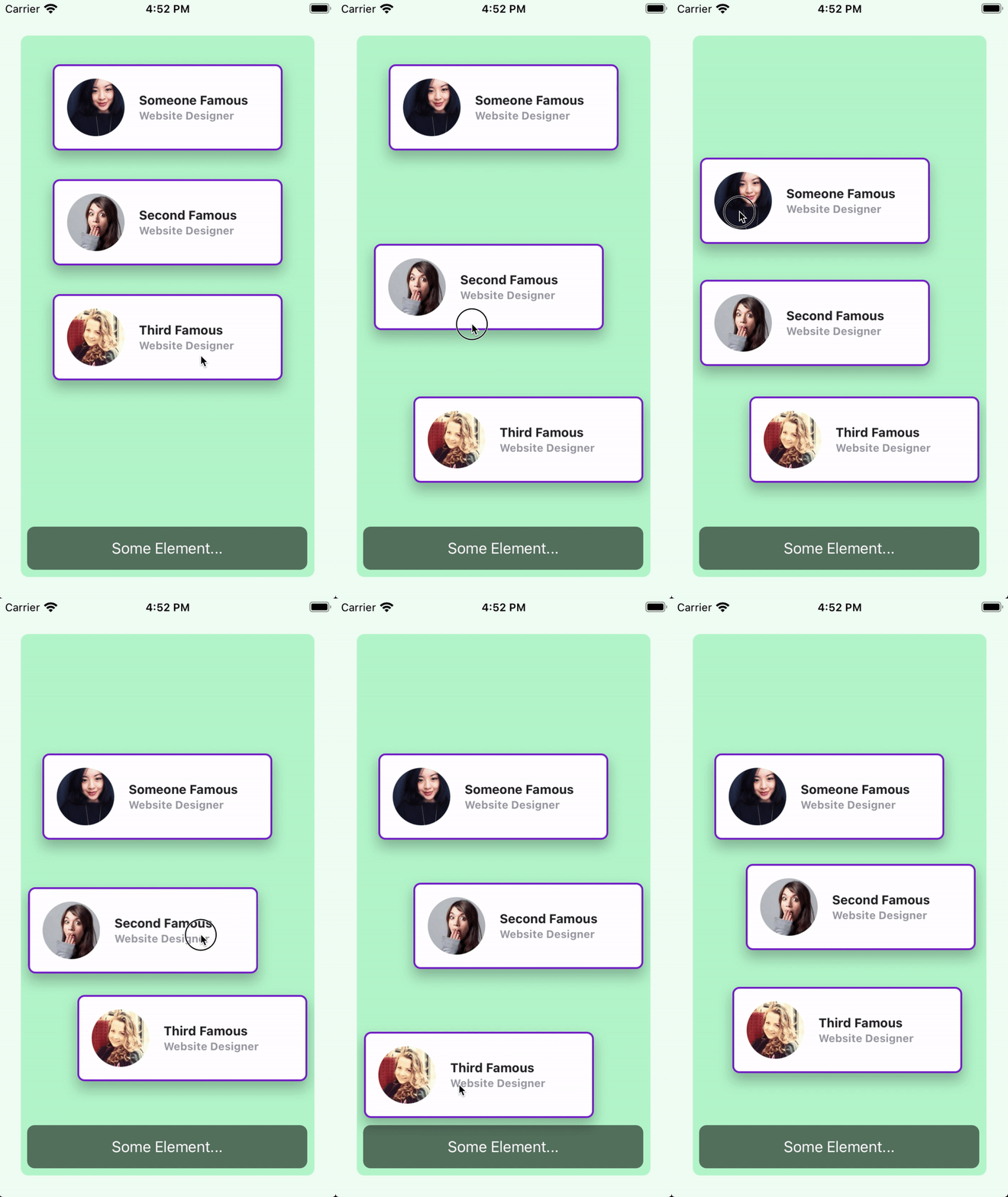
Low framerate gif.
vertical and horizontal Constraints
Add vertical-constraint or horizontal-constraint to restrict movement while dragging.
/* Component(s): Ti.UI.Animation */
/* Property(ies): A custom property to use it with the Animation module */
'.horizontal-constraint': { constraint: 'horizontal' }
'.vertical-constraint': { constraint: 'vertical' }
Constraint example
In this example, the card view moves only side to side.
<Alloy>
  <Window class="keep-screen-on exit-on-close-false">
    <Animation id="draggableAnimation" module="purgetss.ui" />

    <View id="card" class="horizontal-constraint h-24 w-64 shadow-lg">
      <View id="cardInside" class="w-screen rounded-lg border-2 border-purple-700 bg-white">
        <ImageView id="theImage" class="rounded-16 wh-16 m-4 ml-4" image="https://randomuser.me/api/portraits/women/17.jpg" />

        <View class="vertical ml-24 w-screen">
          <Label class="ml-0 text-sm font-bold text-gray-800" text="Ms. Jane Doe" />
          <Label class="ml-0 text-xs font-bold text-gray-400" text="Website Designer" />
        </View>
      </View>
    </View>
  </Window>
</Alloy>
$.index.open()

$.draggableAnimation.draggable($.card)
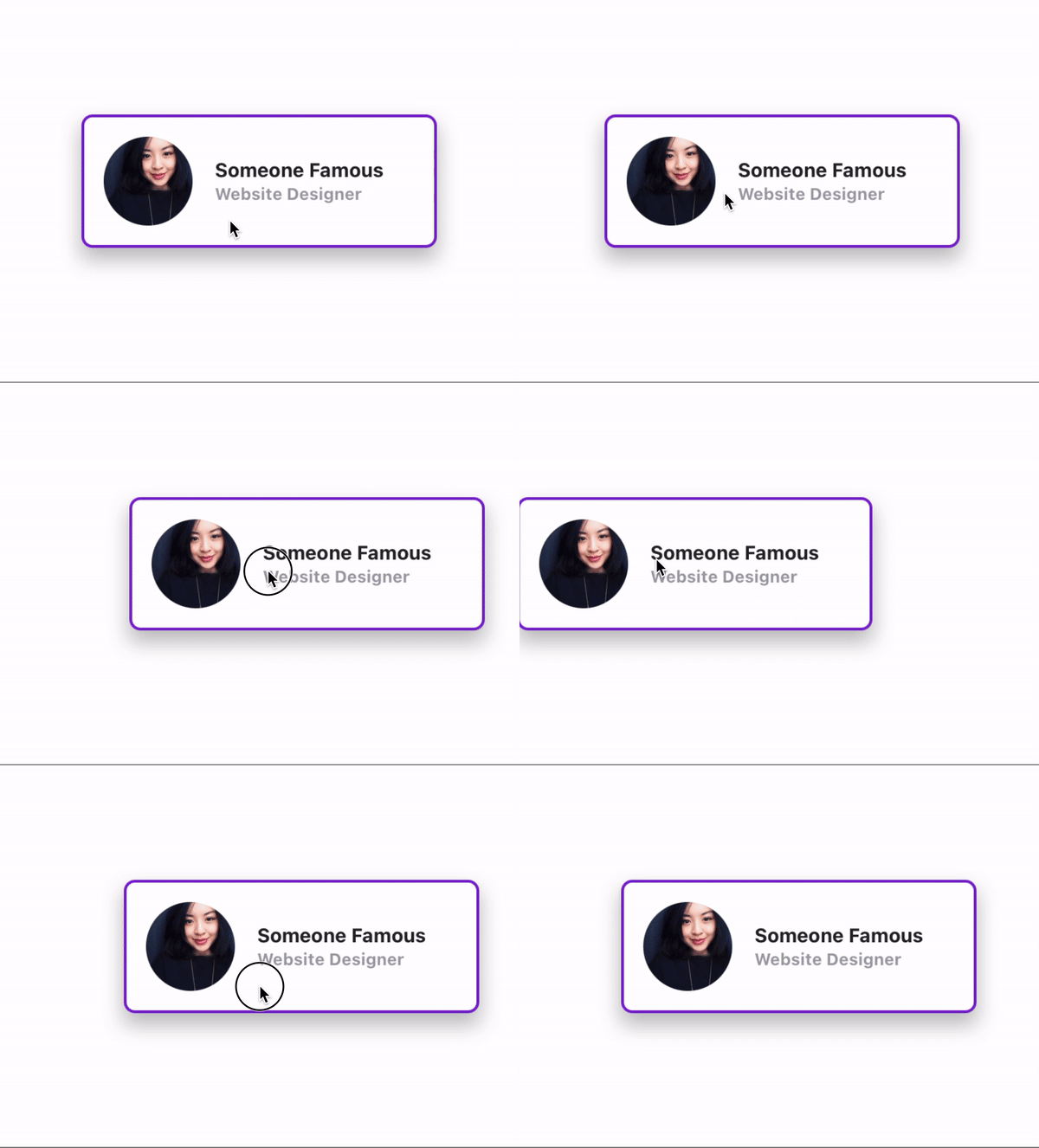
Low framerate gif.